 NyasaCloud
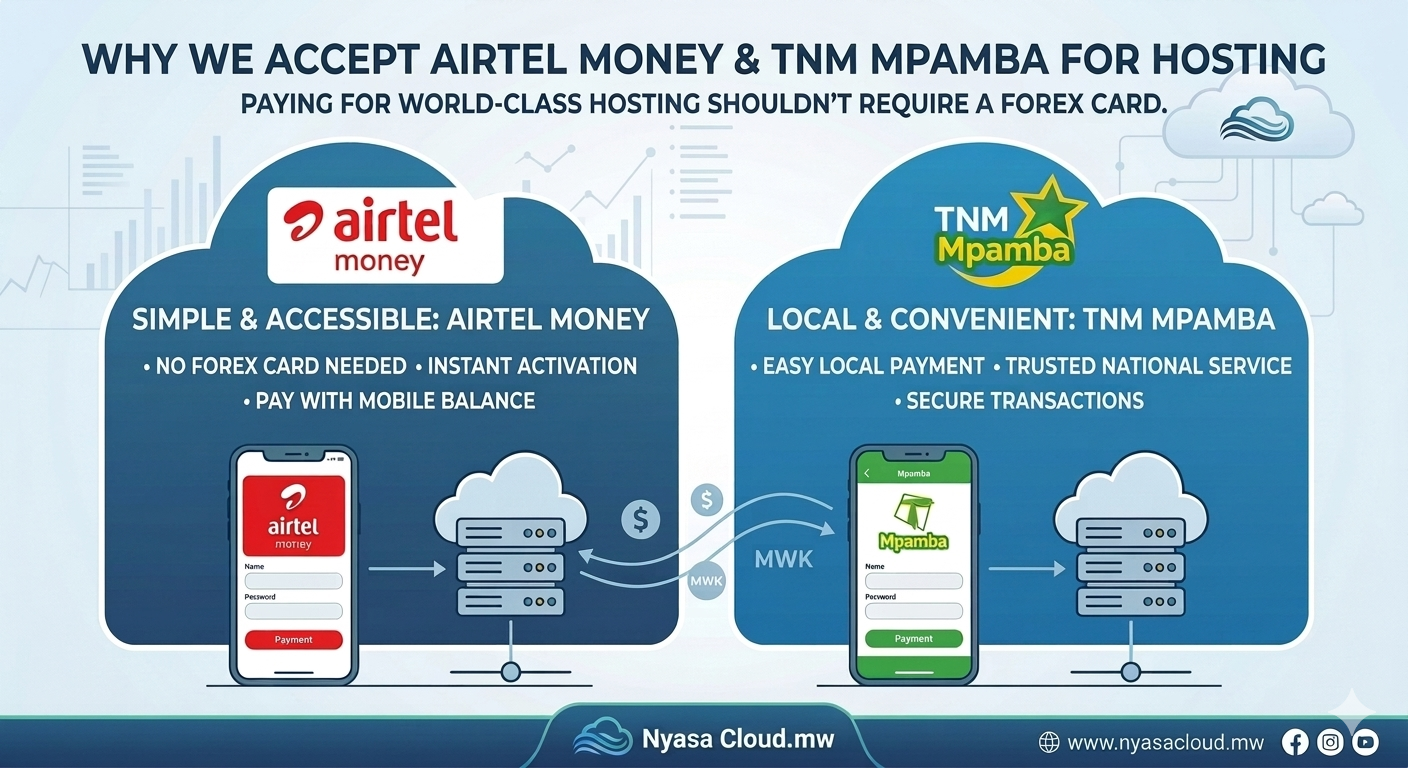
Thank you for choosing our hosting services. We offer convenient payment options through Airtel Money and TNM Mpamba.
Option 1: Pay Using Airtel Money
Steps
- Open the Airtel Money menu on your phone.
- Select Send Money.
- Choose To Airtel Number.
- Enter the following number:09XX XXX XXX
- Enter the amount indicated on your hosting invoice.
- Enter your Airtel Money PIN to confirm the transaction.
- You will receive a confirmation SMS from Airtel Money.
Important
After making the payment, send the following details to our support team:
- Full Name
- Hosting Package Purchased
- Airtel Money Transaction ID
- Amount Paid
- Email Address
Example:
Name: John Banda
Package: Business Hosting
Transaction ID: AM123456789
Amount: MWK 25,000
Email: john@example.com
Option 2: Pay Using TNM Mpamba
Steps
- Dial *444# on your phone.
- Select Send Money.
- Enter the following Mpamba number:08XX XXX XXX
- Enter the payment amount shown on your invoice.
- Confirm the recipient details.
- Enter your Mpamba PIN.
- You will receive a confirmation SMS with a transaction reference.
Important
After payment, send us:
- Full Name
- Hosting Package Purchased
- Mpamba Transaction ID
- Amount Paid
- Email Address
Example:
Name: John Banda
Package: Business Hosting
Transaction ID: MP987654321
Amount: MWK 25,000
Email: john@example.com
Payment Verification
Once payment has been made:
- Send your transaction details via WhatsApp, Email, or Support Ticket.
- Our billing team will verify the payment.
- Upon successful verification, your hosting account will be activated.
- Login credentials and account details will be sent to your registered email address.
Need Help?
If you experience any difficulties during payment, please contact our support team.
WhatsApp: +265 XXX XXX XXX
Email: support@nyasacloud.mw
Our support team is available to assist you with payment verification and account activation.